Friday, November 6, 2020
3 changes · master
Enhancements to existing features
Users can now search and filter records by activity status, such as overdue, due today, or planned. This makes it easier for teams to find and prioritize work based on upcoming or missed activities, with timezone-aware results.
Original PR description
Purpose
=======
Make the "activity_state" searchable on the "mail.activity" mixin.
This field is not stored as it depends on the current time.

Technical
=========
To make the search, we perform a SQL query.

The "activity_state" depends on the state of each activities on the
record. And this state also depends on the timezone of the user of
the activity. That's what made things tricky and we need to make the
conversion in SQL for performance purpose (we can not fetch all records
and compute them in python).

There's a special case, where there's less than 24 hours between the
deadline and the current time but one day of difference. In that case
the state should be "planned" and not "today". This case is handle by
the function "DATE_TRUNC" (e.g. 23h 01/01/2020 & 1h 02/02/2020).

Also for performance purpose, we compute the delay only once and we use
the function "SIGN" so we can use a switch/case instead of duplicating
3 times the expressions.

Task 2354754
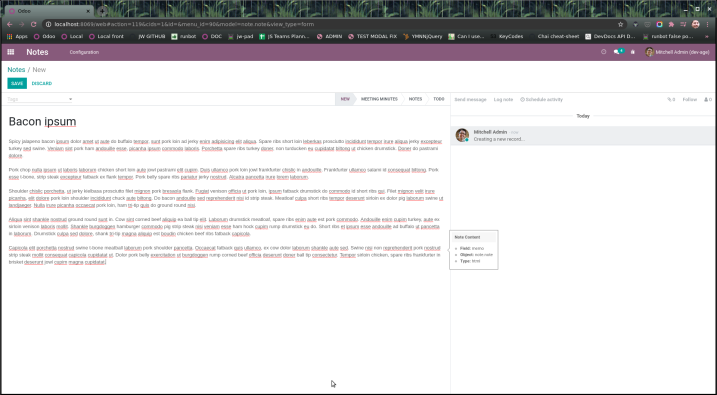
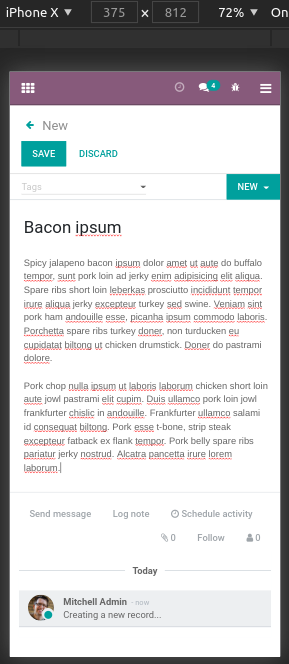
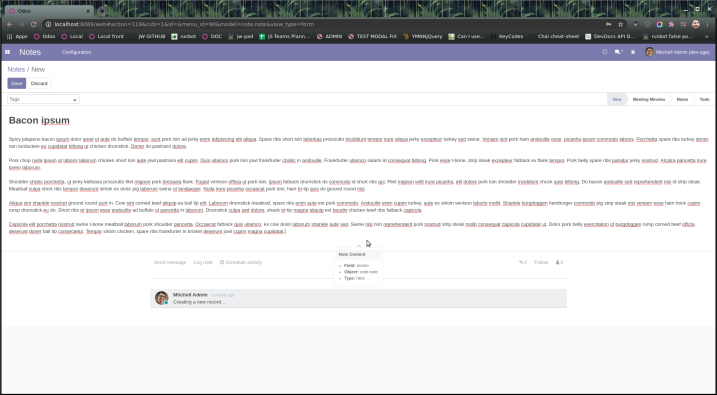
The Notes app form view has been restyled to use more of the available screen space, removing the visible sheet-like framing and resizing controls. This gives users a cleaner, wider writing area while keeping compatibility with existing Odoo form and chatter behavior.
Original PR description
   --- I confirm I have signed the CLA and read the PR guidelines at www.odoo.com/submit-pr
Resolved issues and error corrections
Removing an image from an image wall now deletes only the selected image instead of sometimes removing two. The image add helper also reappears when the last image is removed, making gallery editing more reliable for website editors.
Original PR description
* On image remove was removing two images instead of one -> fixed
* Reactivate the image adder helper if you manually remove the last image

----

Bug report :

[QSM] Images wall snippet -> Add images -> click on one -> Delete via the trash icon button on the overlay -> Sometimes (most of the time) delete 2 images instead of the selected one