Tuesday, January 3, 2023
6 changes
Resolved issues and error corrections
Corrected a display issue in the map settings by updating an outdated alignment label to match the current interface framework. This helps keep the settings page visually consistent and prevents minor layout inconsistencies.
Original PR description
fix typo in text-right class and replaced by text-end in bootstrap 5
Mobile users can now scroll long calendar event popovers instead of having scrolling blocked. This makes it easier to view full event details on smaller screens without getting stuck or missing information.
Original PR description
In https://github.com/odoo/odoo/pull/80511 a rework was done for calendar popover allowing long events to be scrolled. However the mobile calendar renderer had some code blocking scrolls. This PR removes this code in order to allow the scroll.

task-2685440
The payroll dashboard tests were split into clearer scenarios with fixed dates, so results no longer depend on the day the tests are run. This makes internal quality checks more reliable and easier to maintain, reducing the risk of false test failures.
Original PR description
The test_dashboard_stats in hr_payroll had many conditional asserts as the expected values were dependent on the current day. To simplify the test cases it was decided to split one test into multiple tests testing each possible assertion using freezetime.

task-3116501
Fixed an issue in the Timesheets grid where updated totals could briefly appear and then revert after selecting a cell. This ensures users working in days see the correct total immediately and consistently while entering timesheets.
Original PR description
Steps to reproduce:
go to timesheets > settings > change the encoding unit to 'days'
go to the 'all timesheets' menu and encode a few timesheets

Observed behavior:
when clicking on a cell, the new total is quickly displayed and then is reset to the previous value
clicking on another cell makes the new total appear again

Expected behavior:
the new total should remain displayed after clicking on a cell

task-2522612
This fixes a visual issue in Gantt views where holiday rows could show an unwanted blank line when no item was scheduled. Row titles and calendar cells now align correctly, making schedules easier to read.
Original PR description
The color of the cell is gray on holidays.

Problem:
     When there is no pill in the row, .o_gantt_row_title and
     .o_gantt_cell height are different so white space add line bottom.

Solution:
    .o_gantt_row_title and .o_gantt_cell height should be the same.

issue come in this commit-https://github.com/odoo/enterprise/commit/086e6c6cb547d7b6d327c45a41b7ae76a0780afc

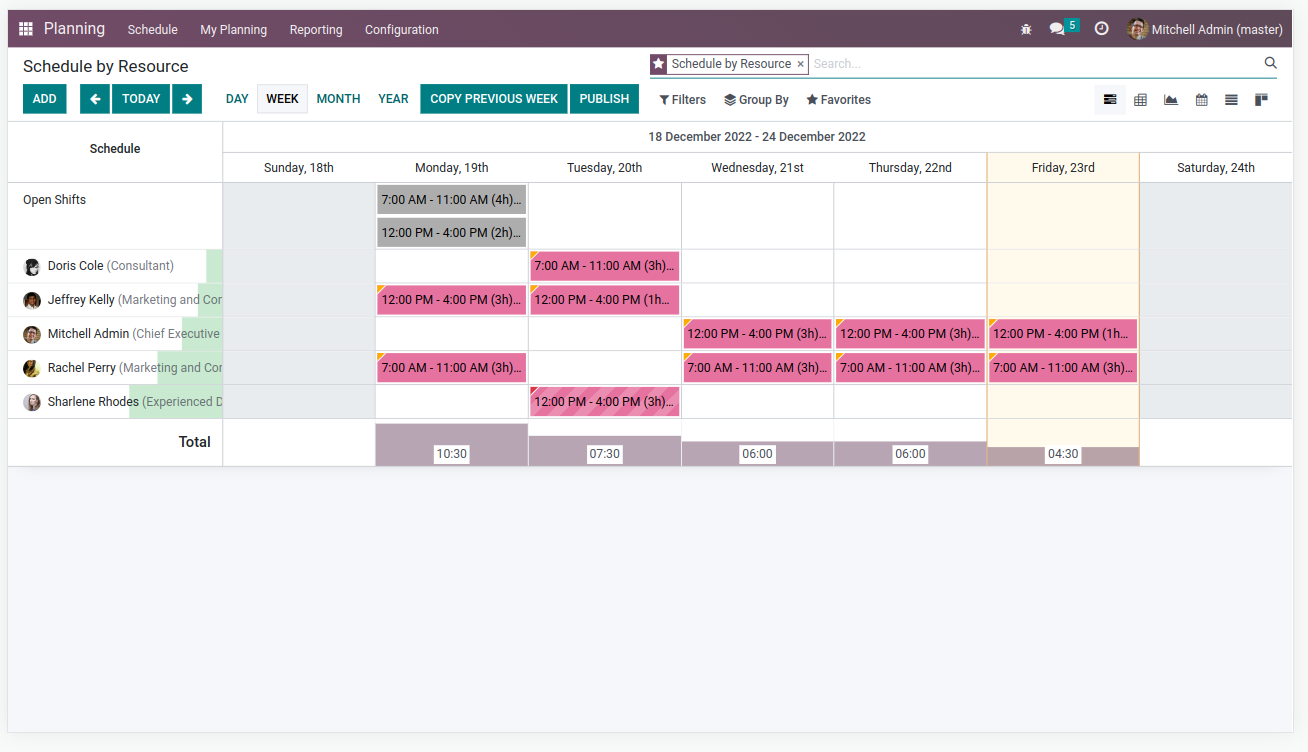
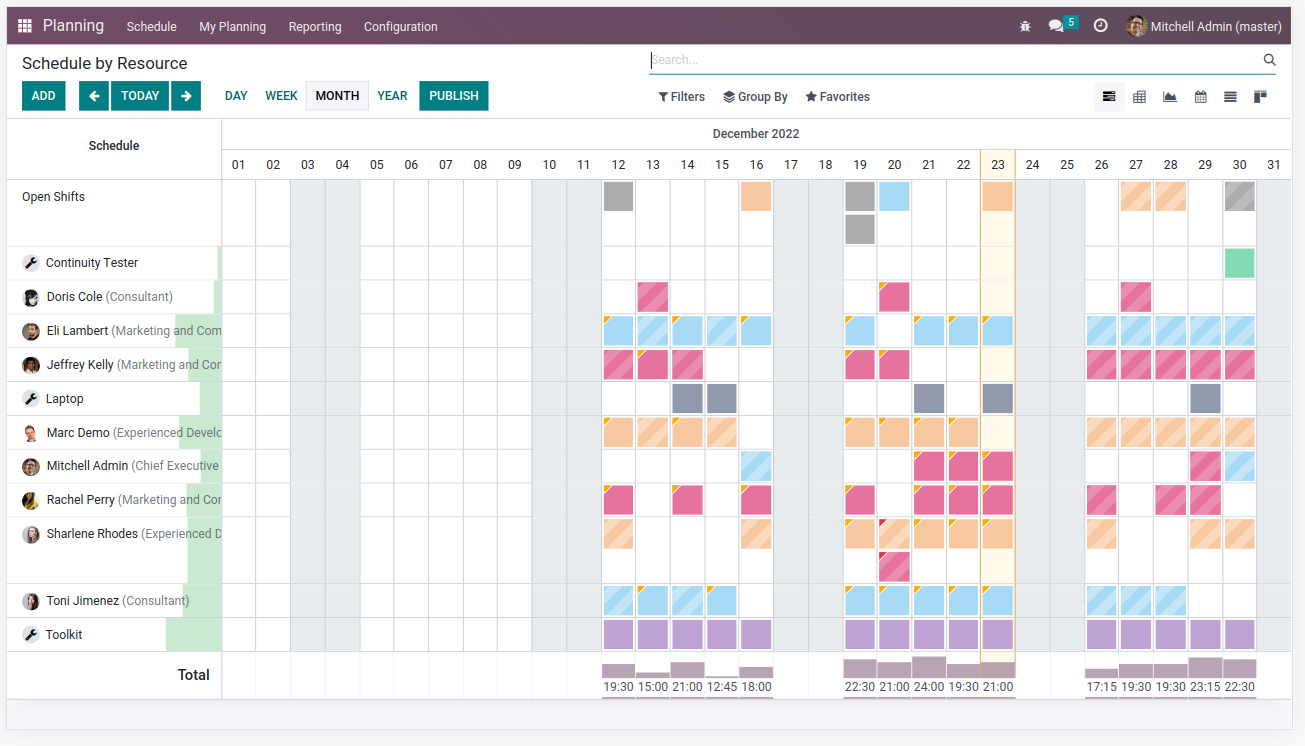
Task-2638995Records without an assigned color now appear consistently across Gantt and calendar views, reducing visual confusion for users. The shared color palette was standardized so the same categories use the same colors in both scheduling views.
Original PR description
Community: odoo/odoo#108597 ## Task specs In the gantt view, a record with no color is displayed in green, whereas in the calendar view, it is displayed in gray. This is not consistant and might…
Community: odoo/odoo#108597 ## Task specs In the gantt view, a record with no color is displayed in green, whereas in the calendar view, it is displayed in gray. This is not consistant and might confuse the user. Task id: 2518854 ### Calendar - Before 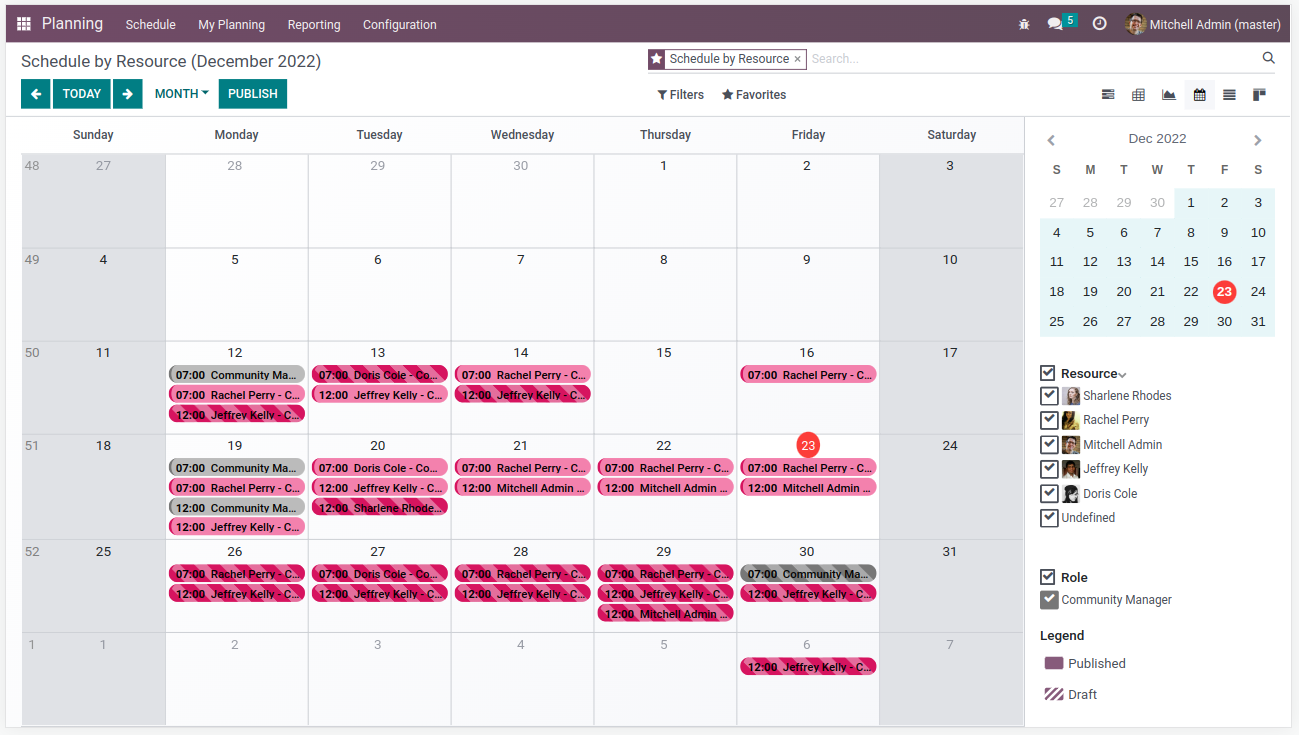 ### Calendar - After (no changes) 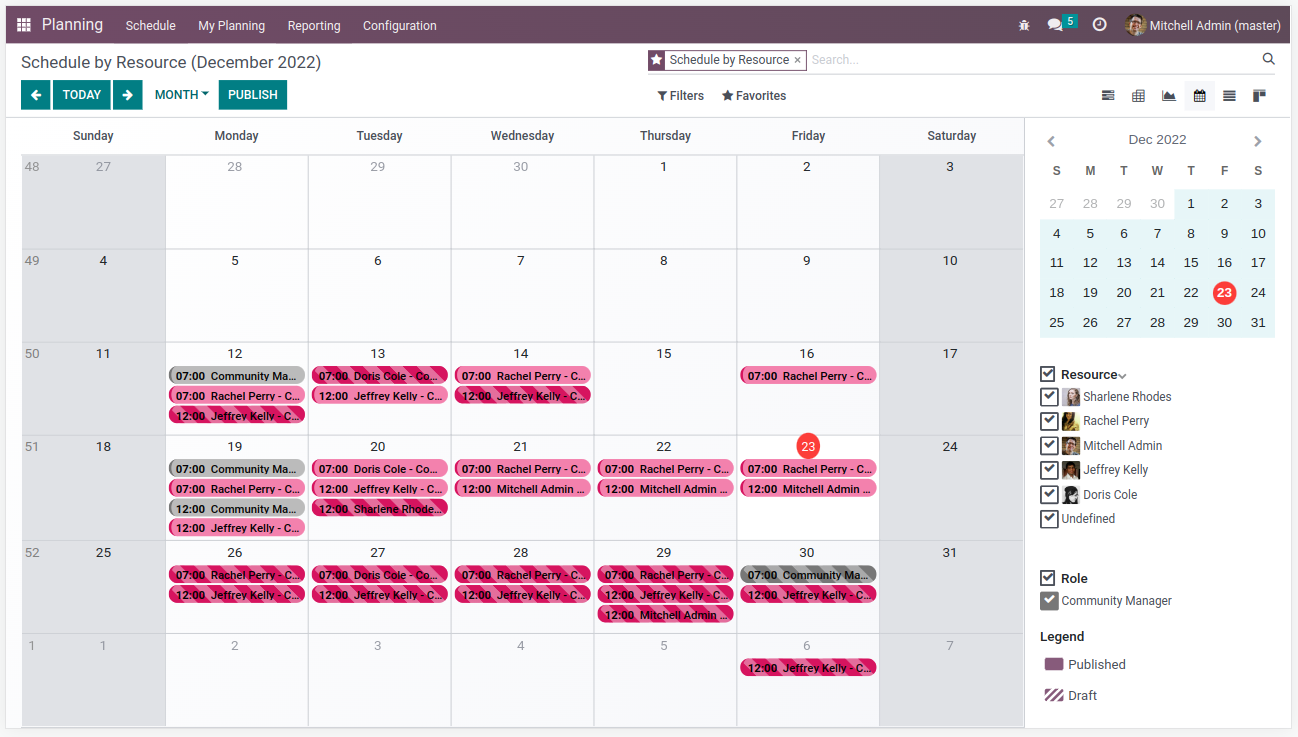 ### Gantt - Before 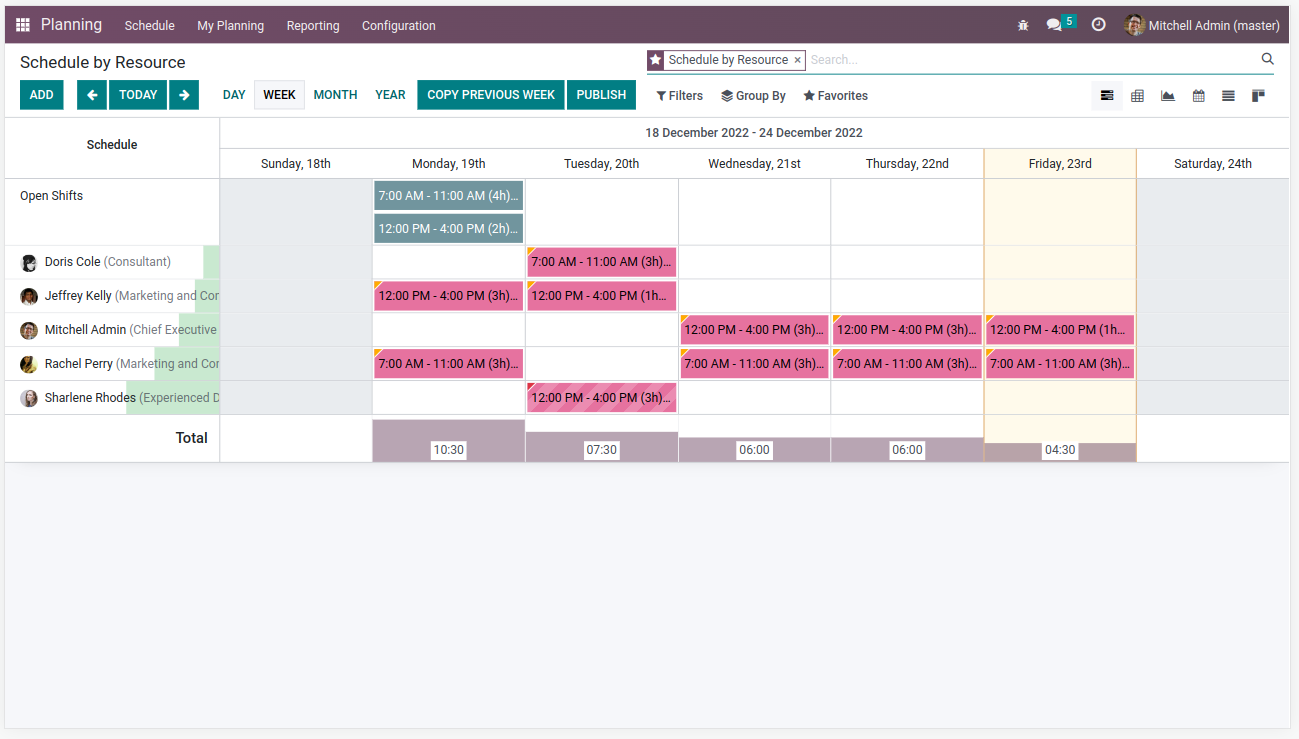 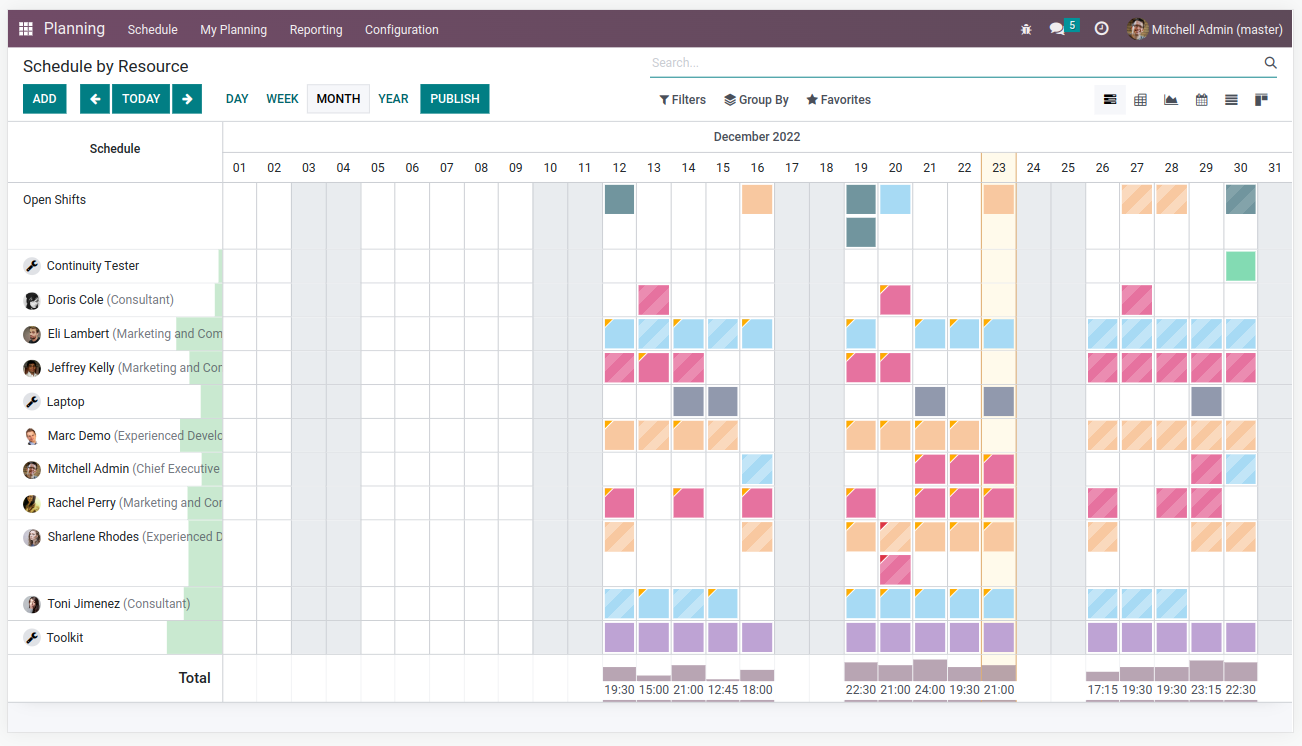 ### Gantt - After (look at gray color in open shifts row)